Elevate Your Halloween Creations with Pro Mockups
As the crisp autumn air settles in and the creative season begins, designers and entrepreneurs face a familiar challenge: how to present Halloween-themed products in a way that captures attention and drives sales. Generic flat images often fail to convey the texture, scale, and real-world appeal of your designs. This is where a specialized asset like the Halloween Mockups JPG Collection becomes an invaluable part of your toolkit. It provides a direct solution for transforming digital artwork into compelling, professional-grade product visuals that resonate with your audience.
What Defines This Mockup Collection?
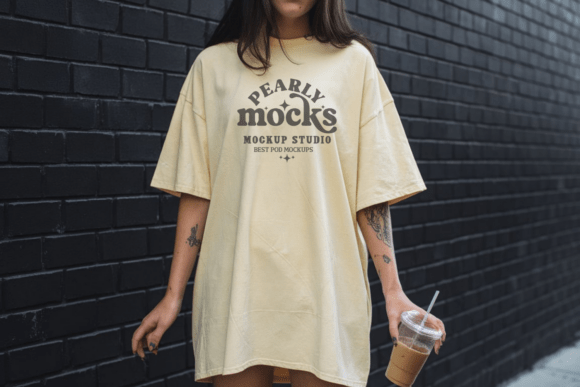
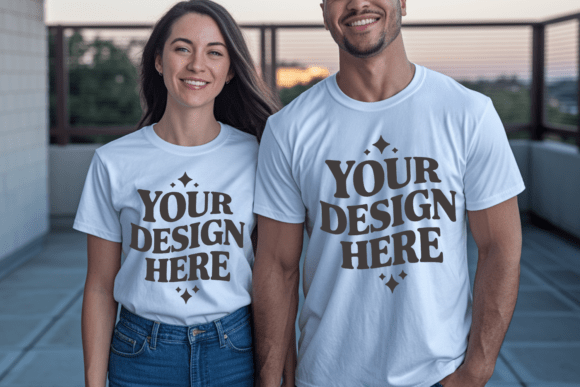
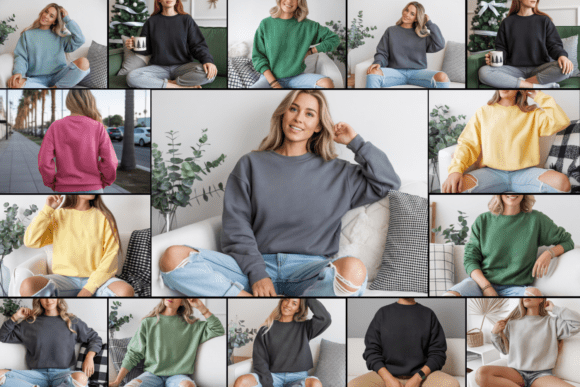
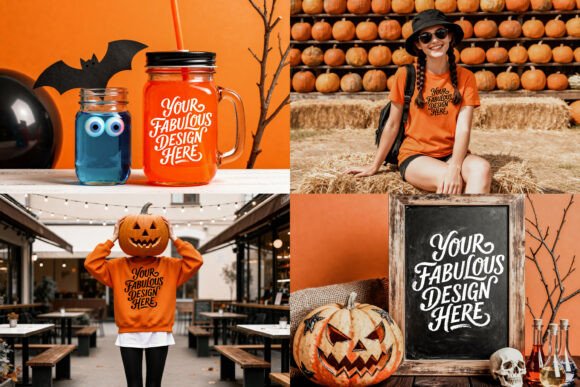
At its core, this collection is a set of four distinct, high-resolution templates designed for versatility. Each mockup—featuring a sweatshirt, t-shirt, drink glass, and chalkboard frame—is a flattened JPG file sized at a generous 4728 x 3544 pixels and 300 DPI. This specification is critical; it ensures your final visuals are crisp, detailed, and suitable for both digital displays and print materials. The style leans into authentic, textured environments. The apparel mockups showcase natural fabric folds and lighting, while the drink glass and chalkboard offer a rustic, seasonal ambiance. This isn't sterile studio photography; it's designed to evoke the cozy, slightly eerie, and festive mood of Halloween, making your sublimation designs, clipart, or illustrations feel immediately tangible and desirable.
The practical appeal lies in its flattened JPG format. Unlike layered PSD files that require advanced software, these mockups are compatible with nearly any image editor—from professional suites like Adobe Photoshop and Illustrator to more accessible tools like Canva, PicMonkey, or even basic mobile apps. This broad compatibility removes technical barriers, allowing you to focus on the creative application of your designs.
Strategic Applications Across Projects
The true value of a mockup collection is measured by its utility across different projects. Here’s how this set can serve various creative professionals:
- For Print-on-Demand Sellers & Crafters: Quickly generate product listing images for platforms like Etsy, Shopify, or Amazon. Placing your Halloween pattern onto the sweatshirt or t-shirt mockup instantly communicates what the final product will look like, reducing customer uncertainty and potentially increasing conversion rates.
- For Graphic Designers & Illustrators: Use the chalkboard frame mockup to showcase typography, quotes, or intricate Halloween illustrations in a contextual setting. This is perfect for building a portfolio piece that demonstrates how your creative font or vector clipart performs in a real-world application, like signage or wall art.
- For Marketers & Content Creators: Craft engaging social media graphics, email headers, or blog post images. A drink glass mockup featuring a spooky design can be the centerpiece for a "Halloween Party Ideas" article or a promotional graphic for a themed beverage recipe. It adds a layer of professionalism that stock photos cannot match.
- For Small Business Owners & Brand Strategists: Maintain brand consistency across seasonal campaigns. If your brand identity uses a specific color palette or style, you can use these mockups to present Halloween-themed merchandise or promotional materials that still feel on-brand, strengthening recognition during a peak shopping period.
Think of these mockups not as mere templates, but as stage sets for your designs. They provide the context, lighting, and texture that help a customer mentally place your product in their life, which is a powerful driver in both e-commerce and brand storytelling.
Practical Guidance for Optimal Use
To get the most out of the Halloween Mockups JPG Collection, consider these actionable steps:
- Evaluate Fit Before Committing: Open the mockup files in your editing program. Assess the lighting direction, the available blank space for your design, and the overall color temperature. Does it align with the aesthetic of your artwork? A mockup with warm, amber lighting might clash with a neon-green, electric-themed design. Choose the mockup that best complements your work.
- Master the Art of Integration: Since the files are JPGs, you'll use blending modes and layer masks to integrate your design. In Photoshop, placing your design on a layer above the mockup and setting the blending mode to "Multiply" or "Linear Burn" often works well for apparel, as it lets the fabric texture show through. For the chalkboard, try "Screen" or "Lighten" to mimic chalk. Don't just paste; blend thoughtfully.
- Test Your Typography and Pairings: If you're showcasing a display font or a script font on the chalkboard, zoom in to 100% to check readability at the mockup's native resolution. A beautiful handwritten font might lose its charm if the chalk texture obscures its delicate strokes. Sometimes, a bolder sans serif font paired with a simple serif font for supporting text creates a clearer hierarchy.
- Consider the Commercial Context: These mockups are designed for showcasing your own creations for sale. Always ensure the final image you present to customers accurately represents the product you will deliver. The goal is to build trust through professional and honest presentation, a key tenet of strong brand identity.
By approaching these assets as a professional tool rather than a simple shortcut, you can significantly elevate the perceived value and marketability of your Halloween-themed projects, turning seasonal ideas into standout visual content.